How it works
-
Take a photo
Only the in-app camera: no gallery imports, no filters, no edits.
-
Send it
Not happy with the shot? Retake it. Happy with it? Send it.
-
Get one back
Your photo goes to a random person, and a random photo from someone else comes back to you.
-
Keep it or drop it
Save it to your collection, or drop it. Something wrong with it? Report it or block the sender.
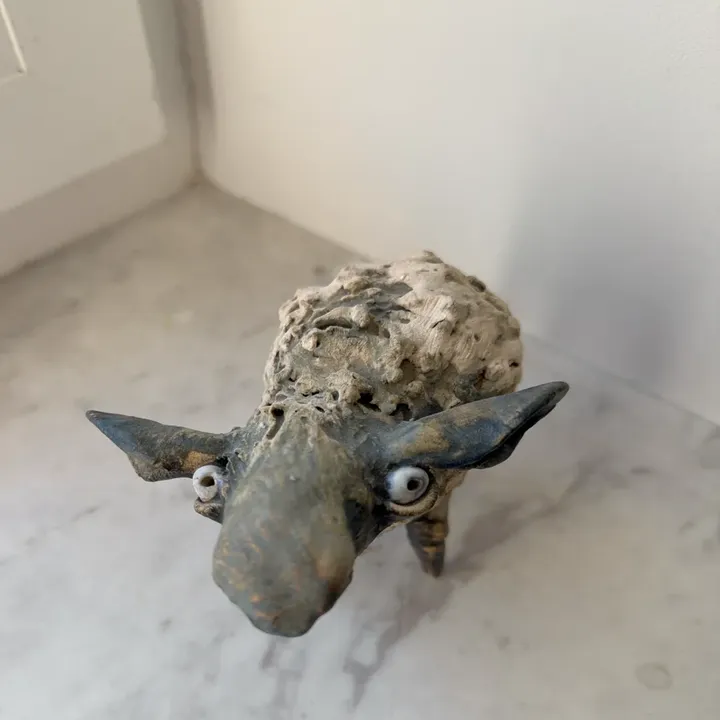

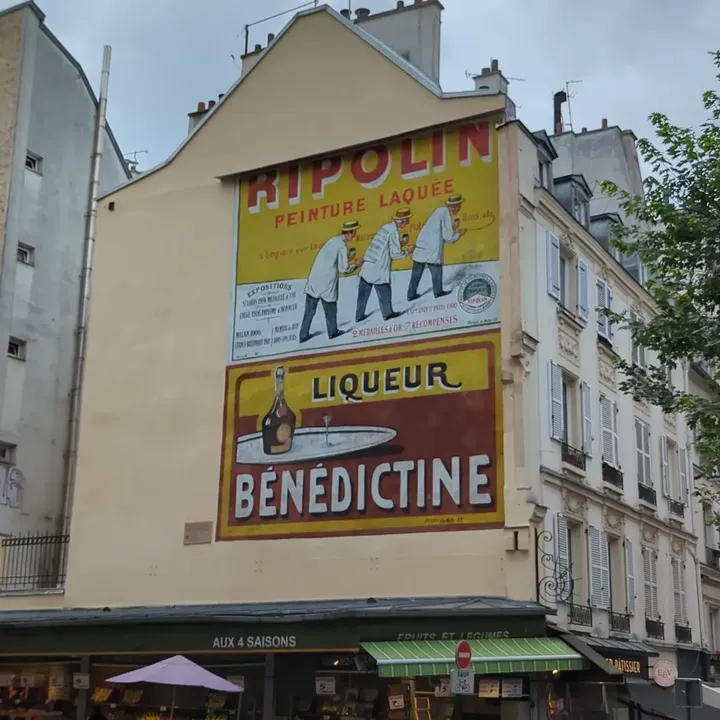
Every photo you keep lands in My photos. The map shows where the photos you received were taken and where yours ended up, as a city or an approximate area.
The rules
No filters, no likes, no nada. Every uploaded photo is moderated, and some things never make it into the exchange.
Do
- Take photos of what's around you, right now.
- Report any photo that breaks the rules. It helps everyone.
- Block sender if you don't want their photos anymore.
Don't
- Send sexual content, graphic violence, or anything shocking or disturbing.
- Spam or advertise.
- Put contact details in your photos: phone numbers, social media handles, addresses or QR codes. ClickSwapp is anonymous. Keep it that way.
- Harass, threaten or target anyone, including the people in your photos.
- Upload anything illegal, or anything that violates someone else's rights.
Break the rules and you're out.
We review every report within 24 hours. Photos that break the rules are removed for everyone, and the account that sent them is blocked without a warning. You can also report a photo or a user at [email protected].
FAQ
Why does ClickSwapp ask for my location?
To show where a photo was taken: the city and an approximate spot on the map. The app rounds the location to about 110 meters before it leaves your phone.
What are camera and photo access for?
The camera takes photos in the app. Photo access is only used to save photos to your phone, if you choose to.
How many photos can I send?
You get a fresh film every day. The camera shows how many photos are left today and when the next film arrives.
How do I save photos to my phone?
Viewing a photo? Long-press it and tap Save to the Gallery. To save several at once, long-press a photo in the gallery, tap Select, pick the photos and save them together. To keep the original of every photo you take, turn on Save the original photo in Settings.
What happens if I delete a photo or the app?
A photo you delete from your gallery is gone from your account for good: you can't get it back. Deleting the app doesn't delete your photos. Sign in again on this or any other phone, and your collection loads back from our servers.
I forgot my password
On the sign-in screen, tap Forgot Password? and enter your email. We'll send you a 6-digit code to set a new password. Signed up with Google or Apple? Use the same button again.
How do I delete my account?
Settings → Delete my account. You choose whether your photos stay in the exchange or are removed. It can't be undone. You can also ask us by email.
Is there a dark mode?
Yes. In Settings → Theme, pick Light, Dark or System.
Still stuck?
Write to us. Tell us what happened, which phone you use, and the app version (at the bottom of Settings).